|
(Click
pictures for larger images.) |
|
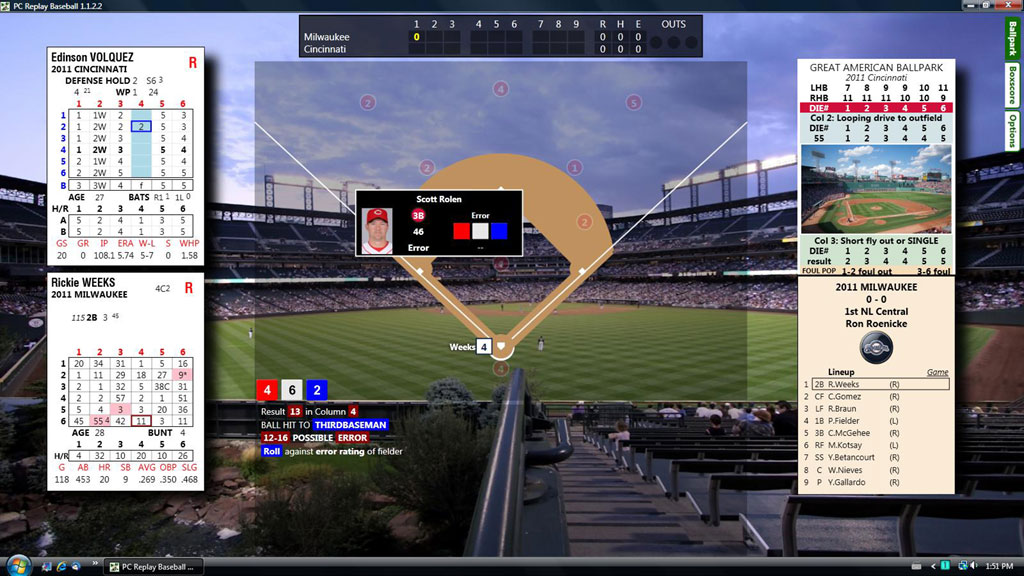
The PC Replay Baseball game plays just like the
Replay Baseball board game!
•
All official game rules and options have been included, so you
can play the PC game using your favorite options from the
board game.
•
The current Play
Board and full Rare Play Book are built into the game and
you’ll see the same results as if playing the board game.
•
We include both 6x6
and 1x6 (tall) pitcher cards to play either way, as in the
board game (including a unique new "hybrid" style of play that
displays the familiar Tall Pitcher Cards behind the Batter
Cards, but the pitcher's grade changes with the roll of the
blue die (with the 6x6 card ratings in background mode).
This option, only possible with a PC, combines the simplicity
of using the tall pitcher cards with the added precision and
variety of outcomes of the expanded 6x6 pitcher grades!
|
 |
|
1 |
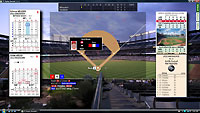 |
When you play the game on your PC or laptop, you'll...
•
See the batter and pitcher cards on the screen.
•
"Roll" the dice
on the screen.
•
See the Play Board results on the screen, including any
additional results (Bunt Charts, Third Base Coach Charts,
Action Charts, etc.) when needed.
•
See the
‘Replay-style’ Line-up Cards and Ballpark Cards on the screen.
|
|
l |
Flexible options to play the PC game:
•
Play solitaire, making decisions for both teams, as in our
board game.
•
Play solitaire,
making decisions for one team while the PC game manages your
opponent.
•
Allow the PC game to
manage both teams while you watch the action.
Just hit the "play" button and watch the game unfold!
As you
play at the PC, all pertinent stats are tracked, so that after
the game you'll have a complete box score and player stats.
|
 |
|
l |
|
|
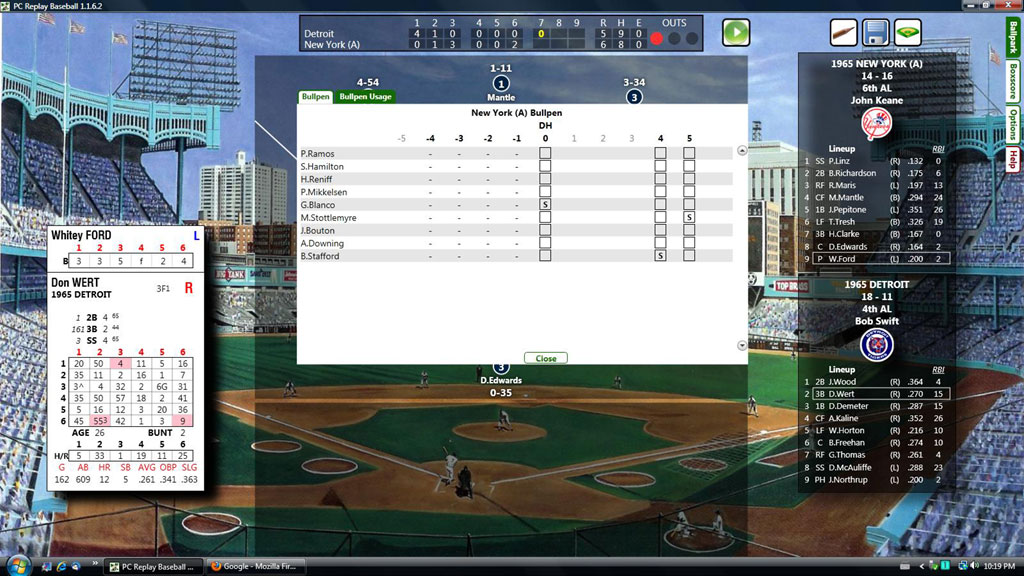
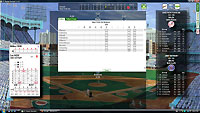
In-game
substitutions are a snap! Pop-up screens provide all the
pertinent info you'll need to make decisions.
• To choose a
reliever, click the pitcher spot on the field. Up pops a
window that shows your available pitchers, and you can also
check their usage over previous games and upcoming starts- at
a glance.
Clicking on any potential
reliever will place his card in the pitcher's spot so you can
see if he's the right man for the job, before bringing him in! |
|
 |
|
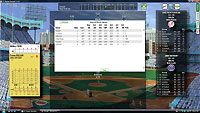
To
choose a pinch-hitter,
click the batter spot on the field. Up pops a window
that shows your available bench players, their main stats and
their replay usage to date.
Clicking on any potential pinch hitter will place his card in
the batter's spot so you can see if he's your best choice,
before putting him in the game! |
|
|
l |
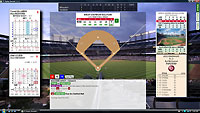 |
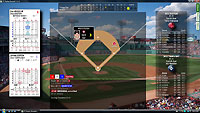
Plays
will play out logically, just as if rolling the dice!
Here’s
a view of a play using the ballpark effects option.
Beyond
playing the game straight-up on your screen, we also include
these flexible options to let you enjoy the game in any way
you choose:
•
If you want the
tactile feel of 'rolling the bones', you can roll real dice on
your tabletop and easily enter each dice roll into the program
with a few key strokes, then watch the action unfold!
...OR... |
|
l |
|
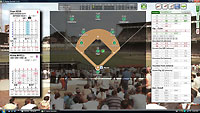
• You can play the board
game as usual with your
cards and dice at your PC, and use the PC game as your
personal statistician! We've built in a simple-to-use
play scoring system so you can roll the dice, look up the
charts manually and key in the play results (or key in the
play-by-play later, after manually rolling the game).
•
With this option, the
PC game compiles all your stats (and even play by play) while
you enjoy the board game as always!
...OR...
|
 |
|
l |
|
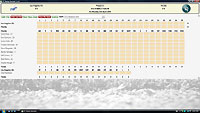
You can
play the board game away from the PC
by using the PC game to set your pre-game lineups and print
out a pre-filled
Replay-style scoresheet,
complete with players and ratings (a great time-saver)!
After you play the game, you can come back to the PC to
manually enter the box score (including fielding stats, if you
track them). The program then updates all your players'
stats after each game! You can even do this for a series
of games, first printing out your pre-filled scoresheets,
playing the games, then coming back to the PC to enter player
stats and game summaries for a series of games.
|
|
|
|
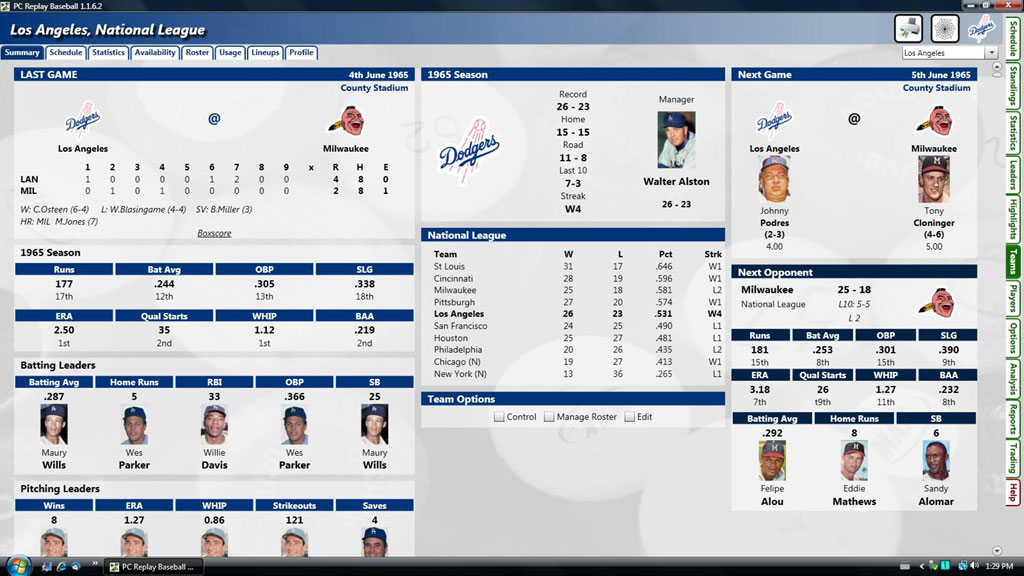
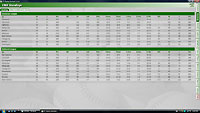
No matter how you choose to
play or enter your stats,
you’ll have access to powerful and sortable statistical
reports!
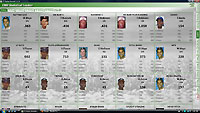
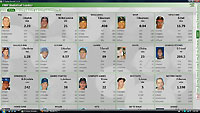
Each
season has its own screens for many statistical categories, so
you can click through the season screens and check standings,
league leader boards, and many team and player stats...
|
|
|
|
|
|
l |
|
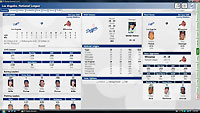
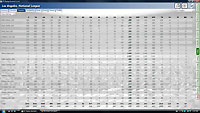
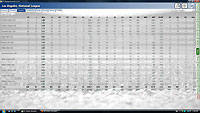
Each team has its own section of stats within each season,
organized for super-easy
viewing so you can click through the team screens and check
each team’s current roster, leaders, player usage, and many
batting, pitching and fielding stats...
|
|
|
|
|
|
|
|
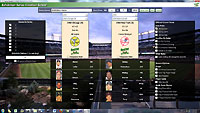 |
EXHIBITION GAMES- Just for fun!
Playing a casual game or series couldn't be simpler,
with a one-screen exhibition
setup which allows for playing a game or series between any
two teams in your collection with a few quick clicks.
|
|
l |
|
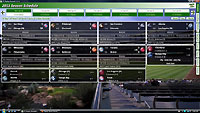
The
easy-to-read schedule screen shows you the day's games,
so you can decide which games
you'd like to play
or manually score, or
autoplay, or simulcast...
|
 |
|
1 |
|
|
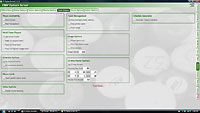
If you're looking for a more open-ended
"what if" replay, you
can now allow the computer (and luck!) to determine injuries
and make roster moves automatically, instead of using
real-life lineups and transactions. In this mode, you
set the roster size limits before starting the replay and the
computer follows these guidelines for the season. You
can still control one or more teams' roster moves, deciding
call-ups and roster moves on the fly, in response to injuries.
|
|
l |
|
Replay Network and Game Simulcast
•
Play a day’s games simultaneously...now with batter to batter
updating!
•
Replay Network scoreboard shows scores from all games during
play
•
Switch between games at any time, taking
control if desired!
•
Pause games to view/play after current game is completed
•
Replay Radio calls the game switch |
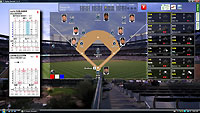
Before beginning a day's games, you can
select this option, which will display scores of the rest of
the day's games while you're playing a particular game. At
any point in the current game, you can click on any
out-of-town score to "check in" on that game! The new game
will appear on screen and you can begin to roll the dice and
play as though you had been at that park all along. See
another game elsewhere on the board that looks like it's at a
tense moment? Just click on that score, and you'll be
instantly transported there! |
|
l |
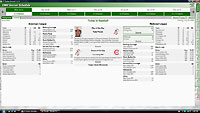 |
Replay Daily
Keeps You in the Loop
The Replay Daily
provides a
daily summary on screen-
a daily version of the weekly
Replay Roundup! Whenever you first load an ongoing season, this will
be the first page on screen, so you can see at a glance where
your replay left off last time you played that season.
•
View standings, key stats and
highlights on any day of your replay
•
Report is the default
opening screen after loading a season |
|
1 |
|
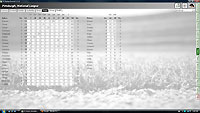
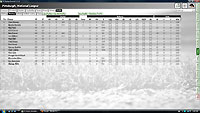
Adjustable Player Usage
For gamers who like to
create their own what-if scenarios, this optional screen
available from each team's main screen allows the gamer to
alter playing time parameters from actual.
•
Adjust the usage of players
on team on new usage screen. Trade for a starter mid-season?
You can now control how often he pitches for the remainder of
the season |
 |
|
|
 |
Manager Profile Instructions
This area has been further enhanced to allow
Replay managers (including draft league managers) to set many
different aspects of player usage and in-game strategy for
their teams from each team's screen. This is a big step
toward easy and very customizable road instructions
for league players.
•
Individual player
instructions for in-game strategy and substitution usage
|
|
1 |
Easy to Use
League Management Tools
This area is specifically meant to make a
league commish's job much easier! (As well as simplifying the
"paperwork" for all league players!)
|
•
Automatically e-mail
manager profiles to other league members or league
commissioner from within the program
•
Commissioner can
automatically e-mail all manager profiles, trades and updated
contact information
•
Import profiles or
commissioner files and the season will update automatically
•
Season can be password
protected
•
Specify where profiles are
imported from and exported to |
|
1 |
|
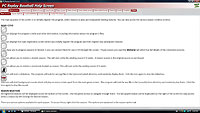
Help when you need it!
As intuitive as PC
Replay Baseball is, you may still occasionally need a little help with a
feature...so the game includes many help screens, each with
help on a specific area of the game, so you're always a quick
click away from an answer!
|
 |
|
1 |
 |
Do you
feel a draft?
PC
Replay Baseball's innovative, flexible draft season feature
allows you to dream up and create all sorts of fantasy
teams. Start by creating draft pools of players from
any full season you own...or a range of seasons....or all
players from a single franchise across several seasons...the
possibilities are endless! |
|
1 |
|
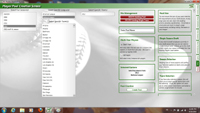
Pre-draft
setup screen
After
creating your pool, begin your draft by setting parameters
such as straight draft order vs. serpentine draft, and draft
rank order. |
 |
|
1 |
 |
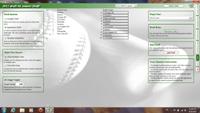
Start
drafting!
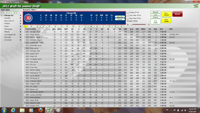
As each
team is on the board, you have easy access to quick
pertinent stats for each player at each position to help
guide your decision...or you can turn over the decision to
the game's built-in AI to make picks for some or all teams! |
|
1 |
|
Last but certainly not least,
several cool features included throughout the game:
|
|
•
Simple one-code registration process
for all seasons
This makes
installing on a new PC or installing new seasons much easier
than ever!
•
Quick-Score play mode prints scorecard directly from
schedule screen for use when playing
the board game
• As Scheduled
schedules included for all seasons-
including importable templates for newly-created seasons!
This requested feature allows
you to play the original "as scheduled" schedule for all
available seasons,
or to plug an actual real-life schedule into your created
league to easily set up a season.
•
Wild card
games behind optionally displayed on standings display
•
Optional "pips"
dice display during game instead of numbers
Our playtesters liked this one a lot! With this setting,
you'll absolutely feel like you're playing the board game!
•
Ability to
refresh a season (reset
+ automatic re-import of games)
Having troubles with a season
acting up? This handy reset solves many issues without having
to e-mail tech support!
...And much, much more! |